
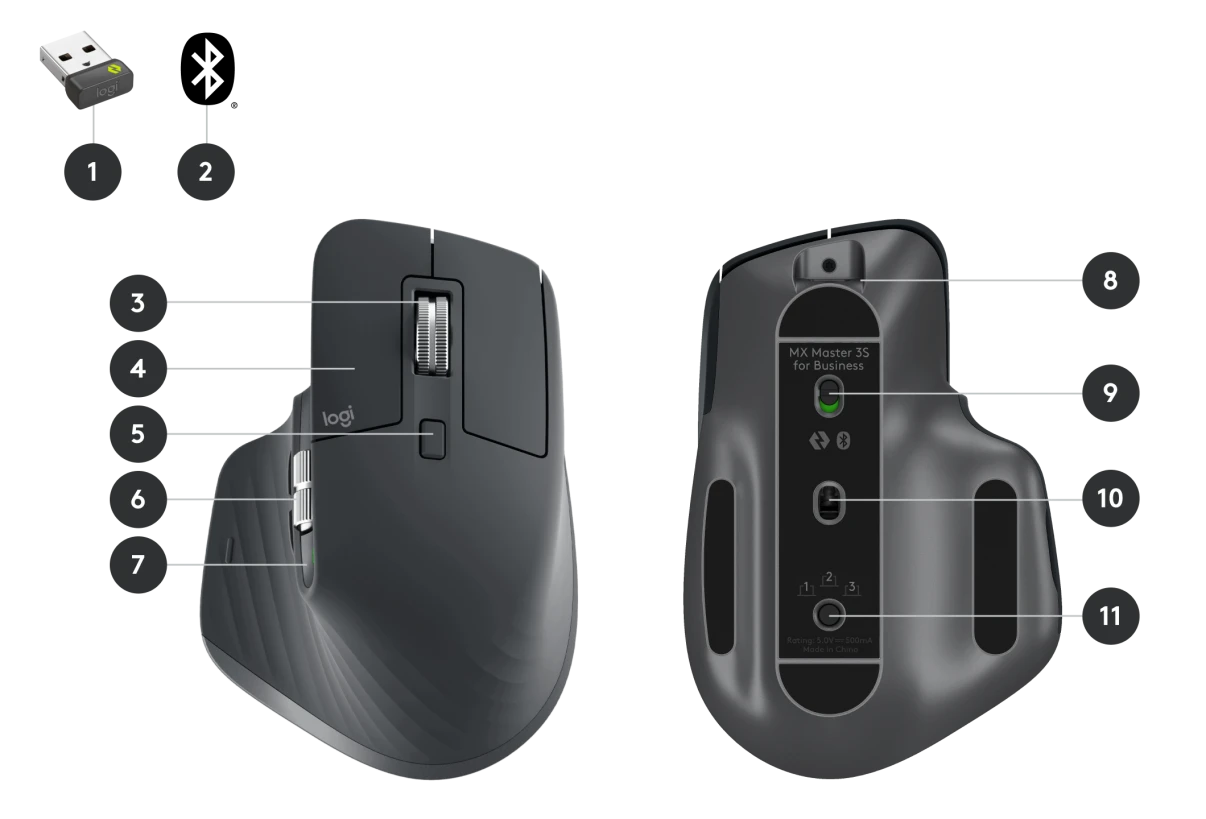
- Best for Wrist Health: Logitech MX Master 3S.
- Best for Eye Comfort: BenQ ScreenBar.
- Best for Coffee Lovers: Ember Smart Mug 2.
- Best for Organization: Rocketbook Core.
- Best for Fitness: WalkingPad C2.
I’ve spent the last decade working from a home office, and if there’s one thing I’ve learned, it’s that the right tools make or break your focus. It’s not just about having a desk and a chair; it’s about the small things that stop your eyes from hurting, keep your coffee hot, and save your wrists from that dull 4 p.m. ache. I’ve tested dozens of products, and honestly, most of them just end up collecting dust. But after a lot of trial and error, I’ve narrowed down the 5 amazon office gadgets you need to actually get things done without the burnout.
Logitech MX Master 3S Wireless Mouse
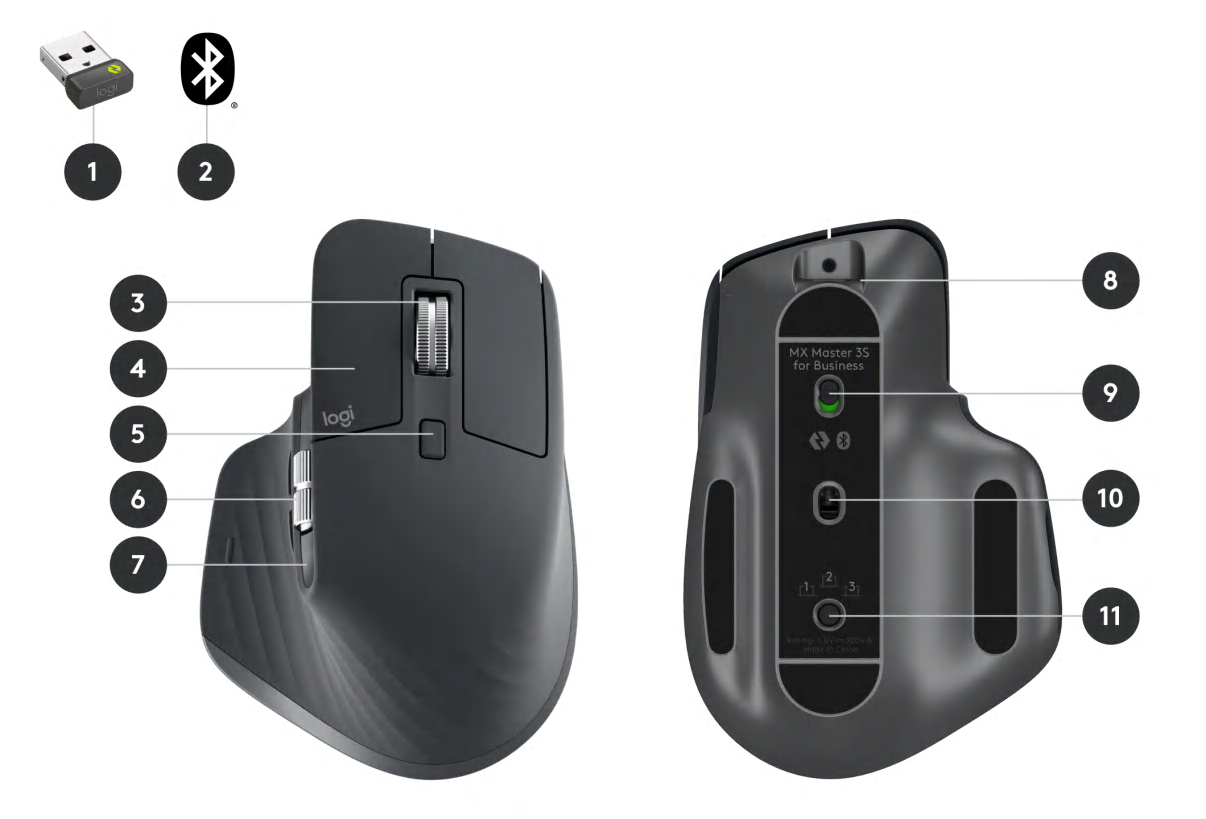
I used to think a mouse was just a mouse until I spent a week with the MX Master 3S. Now, I can’t go back. This isn’t just a pointing device; it’s a tool that feels like it was molded specifically for your hand. The 8,000 DPI sensor works on literally any surface—even the glass top of my coffee table—and the “Quiet Click” buttons are a lifesaver if you’re on Zoom calls all day.
The standout feature is the MagSpeed electromagnetic scroll wheel. You can flick it, and it spins 1,000 lines in a second, then stops on a dime. It’s perfect for long spreadsheets. I also love the thumb wheel for horizontal scrolling through video timelines. Pro Tip: Use the Logi Options+ app to customize the buttons for specific software like Chrome or Excel; it saves so much time.
Pros:
- Incredibly comfortable for long hours.
- Super quiet clicks won’t annoy your family.
- Long battery life (up to 70 days).
Cons:
- Might feel a bit large for those with very small hands.
- Right-handed only.
BenQ ScreenBar: One of the 5 Amazon Office Gadgets You Need
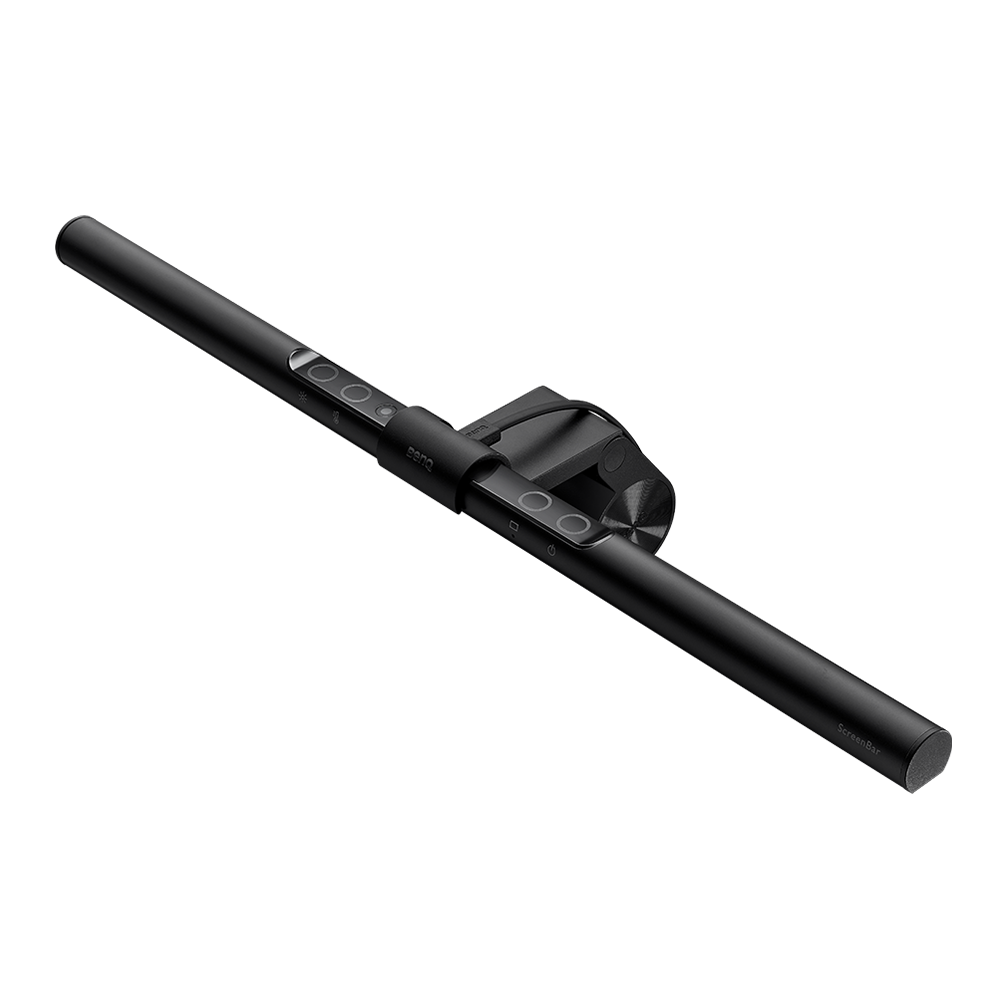
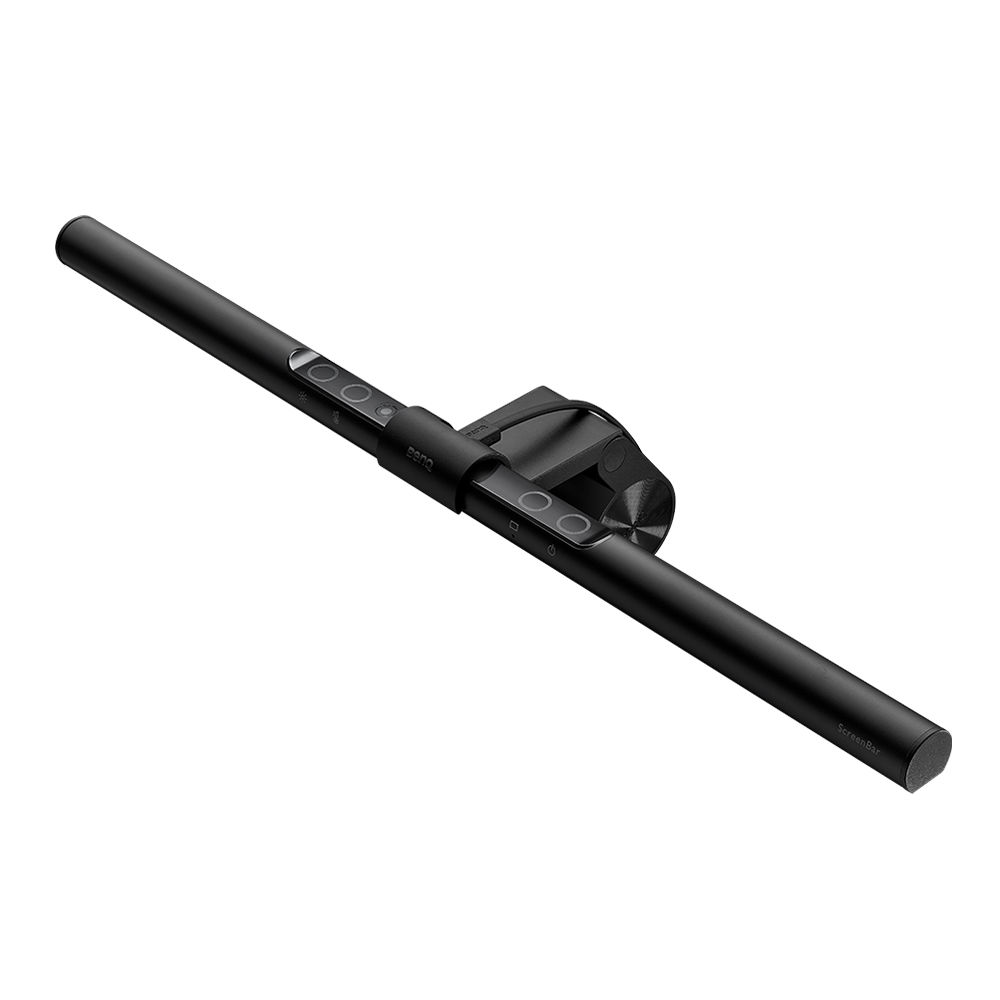
If you find yourself squinting at your screen by mid-afternoon, you probably have poor lighting. Most desk lamps take up way too much space and cause a nasty glare on your monitor. The BenQ ScreenBar sits right on top of your screen, casting light downward onto your workspace without touching the glass. It sounds like a small change, but it makes a huge difference for eye fatigue.
I’ve found that the auto-dimming sensor is surprisingly smart—it adjusts the brightness based on the light in your room throughout the day. You can also manually change the color temperature from a warm yellow to a cool blue. Pro Tip: If you use a webcam that sits on top of your monitor, you might need to offset it slightly, as the ScreenBar takes up that prime real estate in the center.
Pros:
- Zero screen glare.
- Saves a ton of desk space.
- High-quality build that doesn’t wobble.
Cons:
- It’s more expensive than basic desk lamps.
- USB cable can be a bit short for some setups.
Ember Temperature Control Smart Mug 2
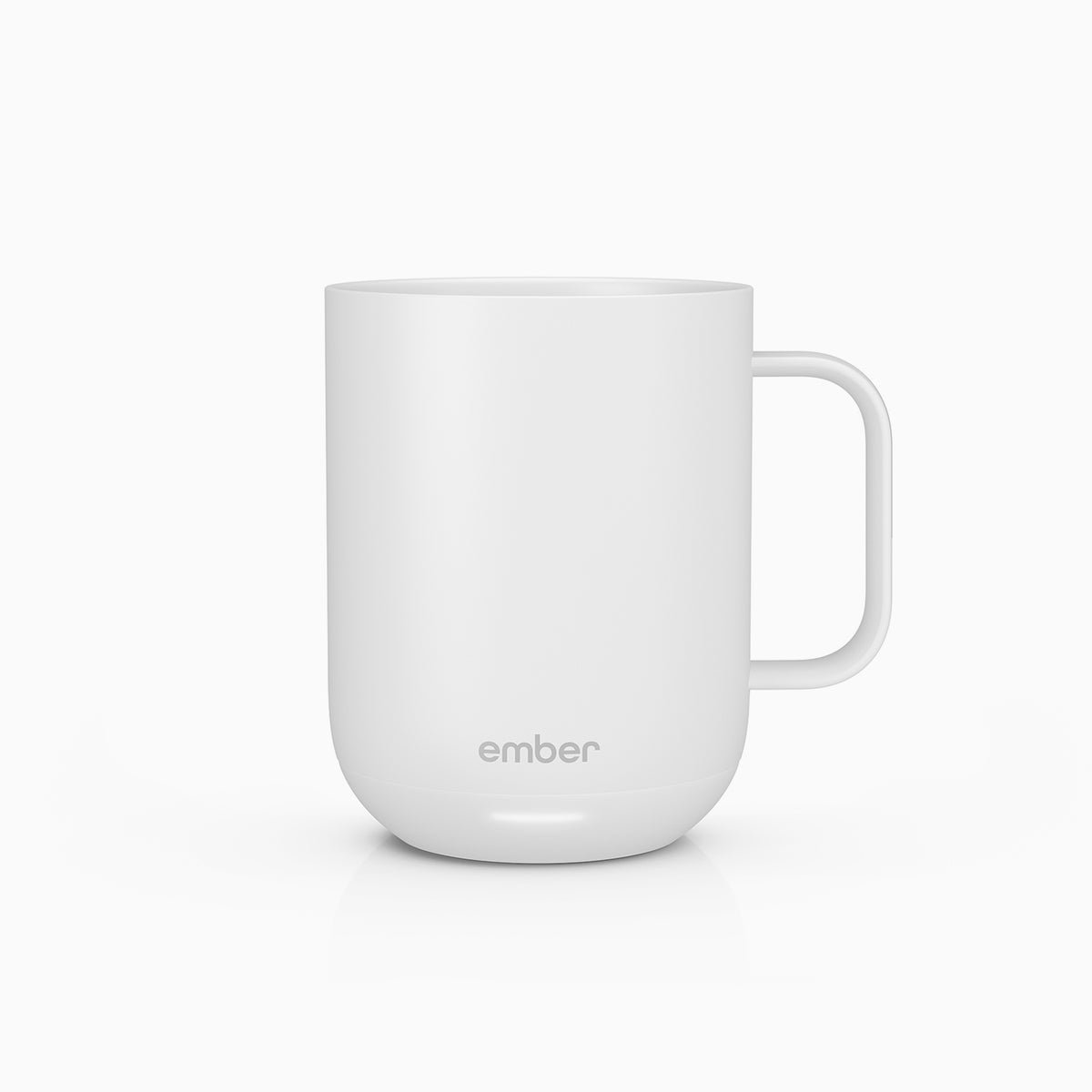
We’ve all been there: you pour a fresh cup of coffee, get sucked into a “quick” email, and twenty minutes later, you’re drinking cold brown water. The Ember Mug 2 fixes this forever. You set your preferred temperature via an app, and the mug keeps your drink exactly at that heat for up to 80 minutes (or all day if it’s sitting on the charging coaster).
I thought this was a total luxury item until I realized I was wasting half my coffee every morning. It feels like a high-end ceramic mug, and the LED at the base lets you know when your drink has reached the perfect temp. It’s easily one of the most used items on my desk. Just remember: it’s hand-wash only, so don’t toss it in the dishwasher!
Pros:
- Keeps coffee hot for hours.
- Sleek, premium design.
- Very easy to use app.
Cons:
- Pricey for a mug.
- Requires hand-washing.
Rocketbook Core Reusable Smart Notebook
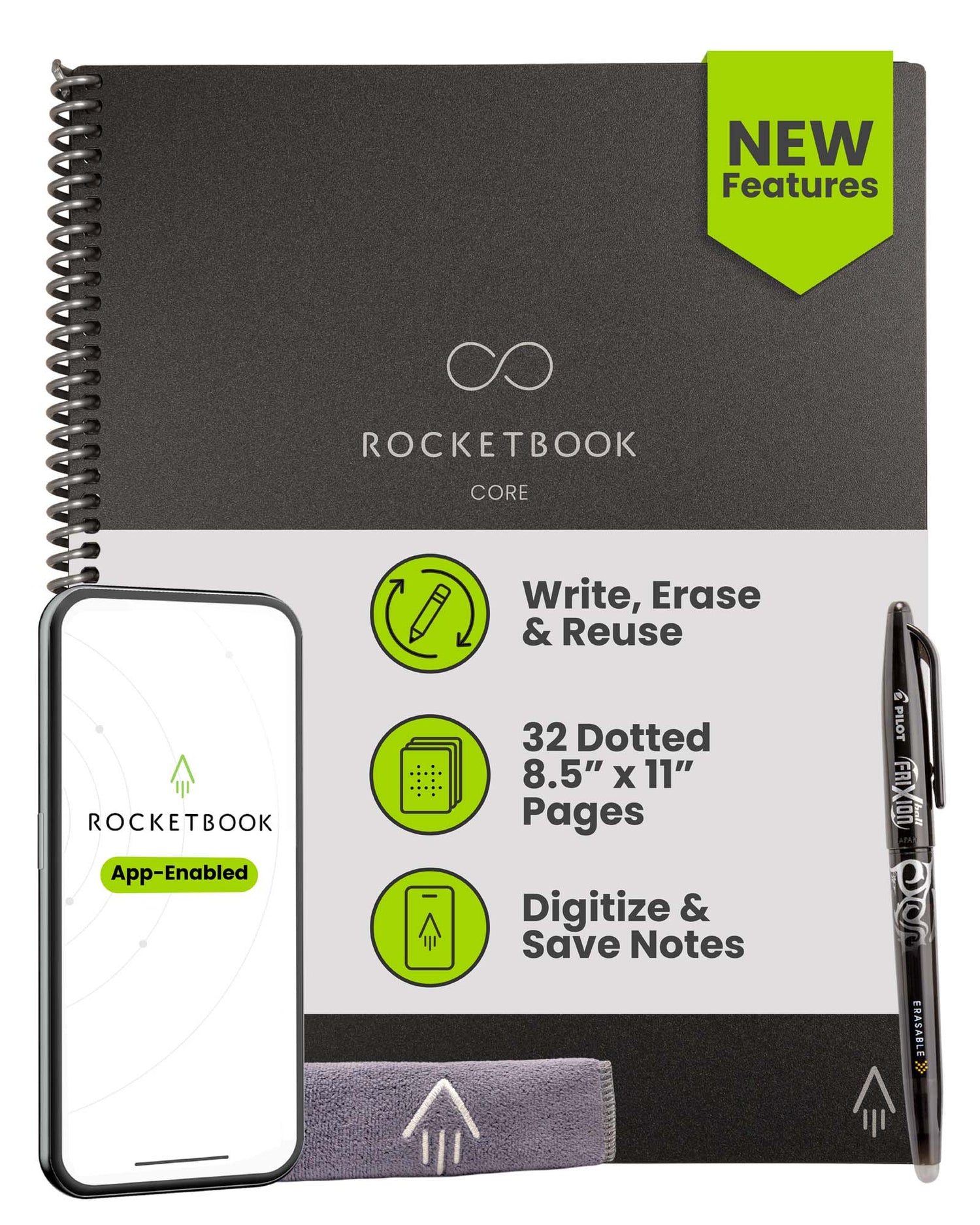
I’m a chronic note-taker, but I hate the stacks of paper notebooks that clutter my drawers. The Rocketbook Core gives you that classic pen-on-paper feel but lets you blast your notes to the cloud (Google Drive, Dropbox, etc.) smoothly using their app. Once you’ve filled the pages, you just wipe them clean with a damp cloth and start over.
The trick is using the Pilot FriXion pens. They write just like normal ink but are designed to be erased from these synthetic pages. I think this is a fantastic tool for students or anyone who likes to brainstorm visually but needs a digital backup. Pro Tip: Wait about 15 seconds for the ink to dry before closing the book, or you might get some smudging.
Pros:
- Eco-friendly and lasts forever.
- Great app for scanning and organizing.
- Lightweight and portable.
Cons:
- You have to use specific pens.
- Ink can smudge if you don’t let it dry.
WalkingPad C2 Foldable Walking Treadmill
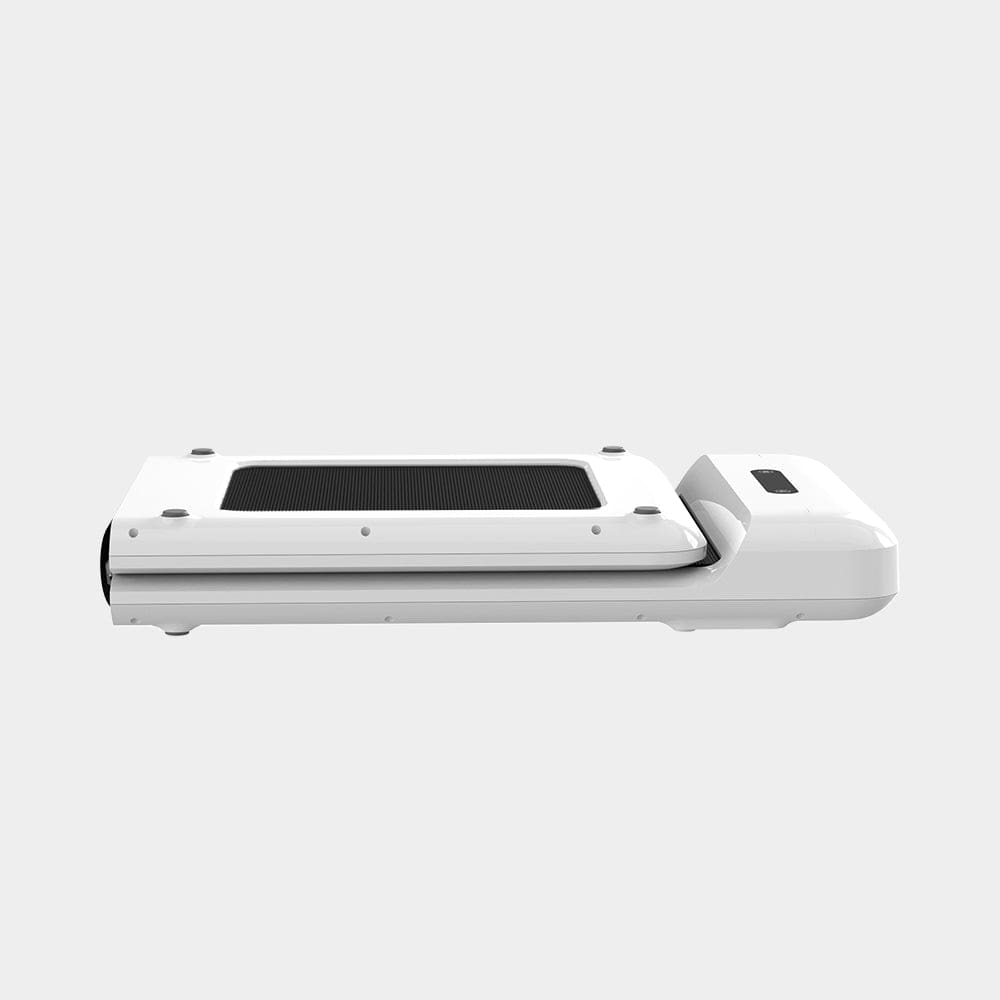
The “sitting is the new smoking” thing might be an exaggeration, but sitting for 8 hours straight definitely feels terrible. The WalkingPad C2 is a compact, foldable treadmill that fits perfectly under a standing desk. When you’re done, you just fold it in half and slide it under your couch or bed. It’s changed how I handle long meetings where I just need to listen.
It’s surprisingly quiet—my coworkers can’t even hear it over my mic. You can control the speed with a remote or let it auto-adjust based on where you’re walking on the belt. It doesn’t have a giant console, which keeps it sleek and unobtrusive. If you’re struggling to hit your 10,000 steps, this is the answer.
Pros:
- Foldable design is a space-saver.
- Quiet enough for office use.
- Sturdy build quality.
Cons:
- No handrails (might be tricky for some).
- Remote is small and easy to lose.
Final Thoughts
Upgrading your workspace isn’t about buying every flashy thing you see on social media. It’s about finding those few items that actually solve a problem. Whether it’s the Logitech MX Master 3S saving your wrist or the BenQ ScreenBar protecting your eyes, these 5 amazon office gadgets you need are all about making your workday a little bit smoother. Give one or two of them a try—I think you’ll notice the difference in your focus almost immediately.
FAQ
Do these gadgets work with Mac and PC?
Yes, all of these items are compatible with both Windows and macOS. The Logitech mouse and Rocketbook app work across both platforms, and the hardware items like the BenQ light and Ember mug are platform-agnostic.
Is the WalkingPad loud?
It’s very quiet. At a normal walking speed (about 2-3 mph), it sounds like a low hum. Most noise-canceling microphones on headsets will filter the sound out completely during calls.
Can I use any pen with the Rocketbook?
No, you must use the Pilot FriXion line of pens. Regular ink is permanent and will ruin the reusable pages, so make sure you keep a few FriXion pens handy!
How do I clean the Ember Mug?
Since it has electronic components in the base, you should never put it in the dishwasher or submerge it completely in water. A quick hand wash with warm soapy water does the trick perfectly.


Leave a Reply